
Major Components of WordPress
Complete Beginner's Guide
WordPress is built using several core components that work together to create, manage, and display websites. Understanding these components is essential for anyone learning WordPress development or website management.
1. WordPress Core
The WordPress Core is the foundation of WordPress. It contains all the files and code required for WordPress to function.
Core Includes
• Login system
• Dashboard
• Media Library
• User Management
• Posts
• Pages
• Comments
• Themes support
• Plugin support
• Database connection
• REST API
• Security functions
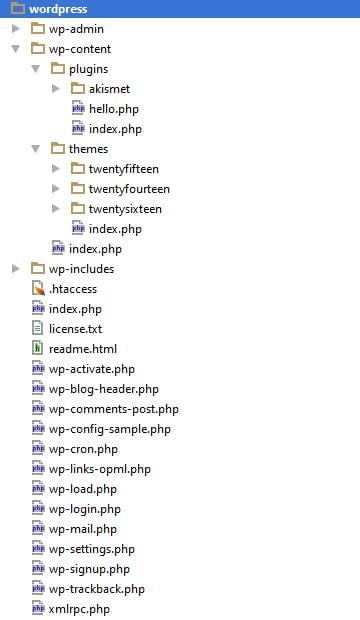
Important Core Folders
wp-admin/
wp-content/
wp-includes/
Core Files
index.php
wp-config.php
wp-login.php
wp-load.php
wp-settings.php
xmlrpc.php
Purpose
• Runs the website
• Handles requests
• Connects to the database
• Loads themes and plugins

2. Database
WordPress stores almost everything inside a MySQL or MariaDB database
Stores
• Posts
• Pages
• Users
• Settings
• Menus
• Widgets
• Comments
• Categories
• Tags
• Plugin settings
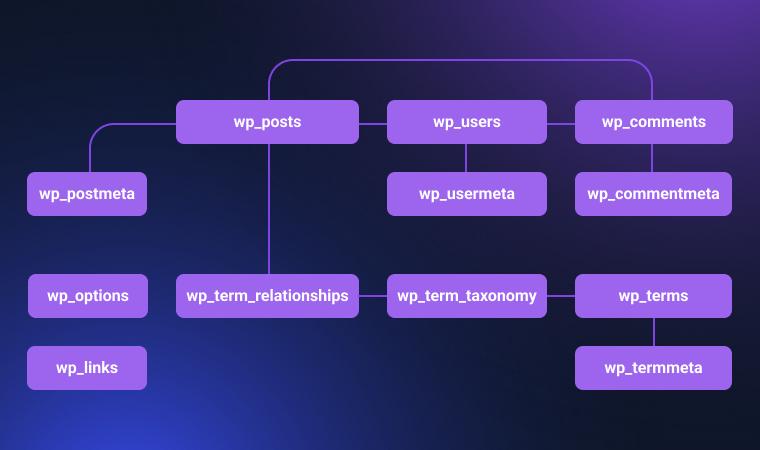
Common Database Tables
Table – Purpose
wp_posts – Posts, Pages
wp_users – User accounts
wp_options – Website settings
wp_comments – Comments
wp_terms – Categories & Tags
wp_postmeta – Custom fields
wp_usermeta – User information
Why Database is Important
Without the database:
• No content
• No users
• No settings
• No website
3. Themes
A Theme controls the appearance of your website.
Think of it as the “design” of your website.
Controls
• Colors
• Fonts
• Layout
• Header
• Footer
• Sidebar
• Homepage
• Blog Layout
Theme Files
style.css
functions.php
index.php
header.php
footer.php
sidebar.php
single.php
page.php
archive.php
Types
• Free Themes
• Premium Themes
• Custom Themes
• Child Themes
• Block Themes
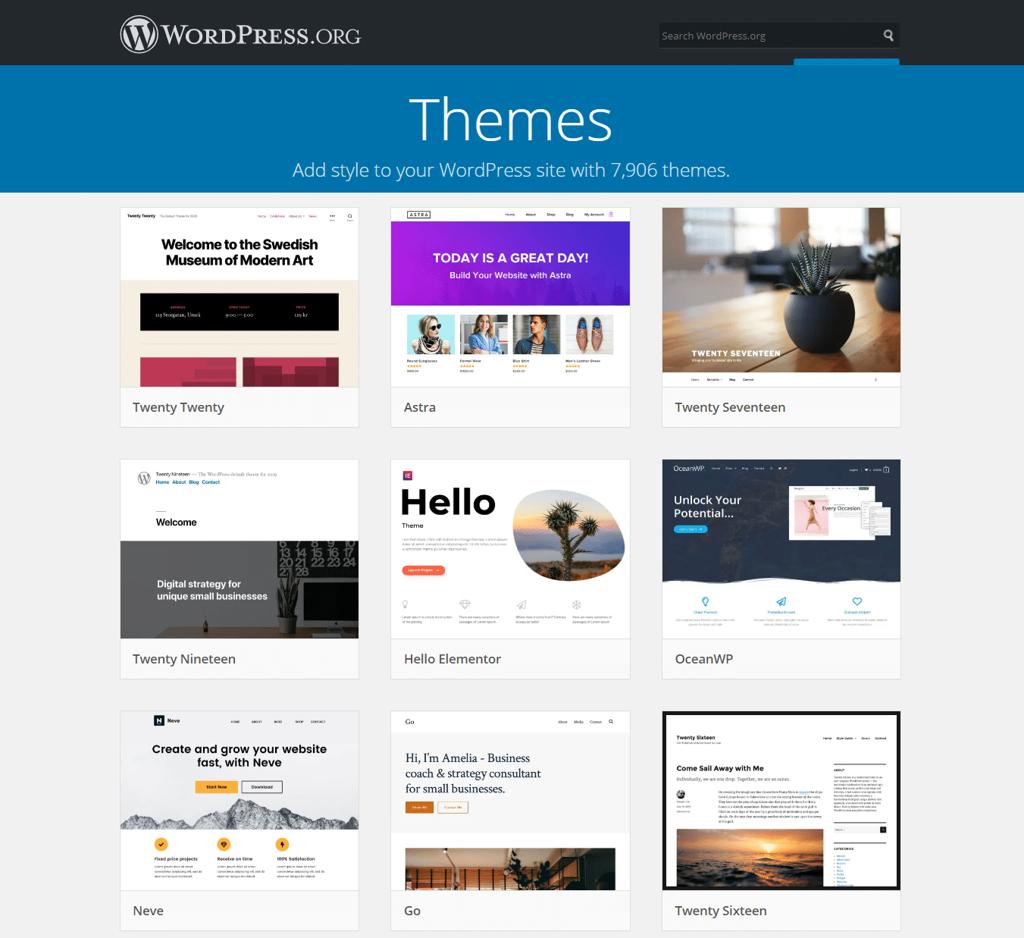
Examples
• Twenty Twenty-Six
• Astra
• Kadence
• GeneratePress
• OceanWP
4. Plugins
Plugins add new functionality to WordPress.
Without plugins, WordPress provides only basic features.
Plugins Can Add
• Contact Forms
• SEO
• Security
• Backup
• Caching
• Membership
• LMS
• WooCommerce
• Social Sharing
• AI Tools
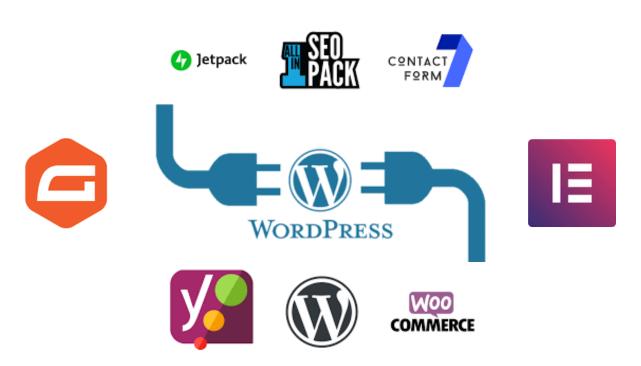
Popular Plugins
• Elementor
• WooCommerce
• Yoast SEO
• Rank Math
• Contact Form 7
• WPForms
• UpdraftPlus
• Wordfence
• LiteSpeed Cache
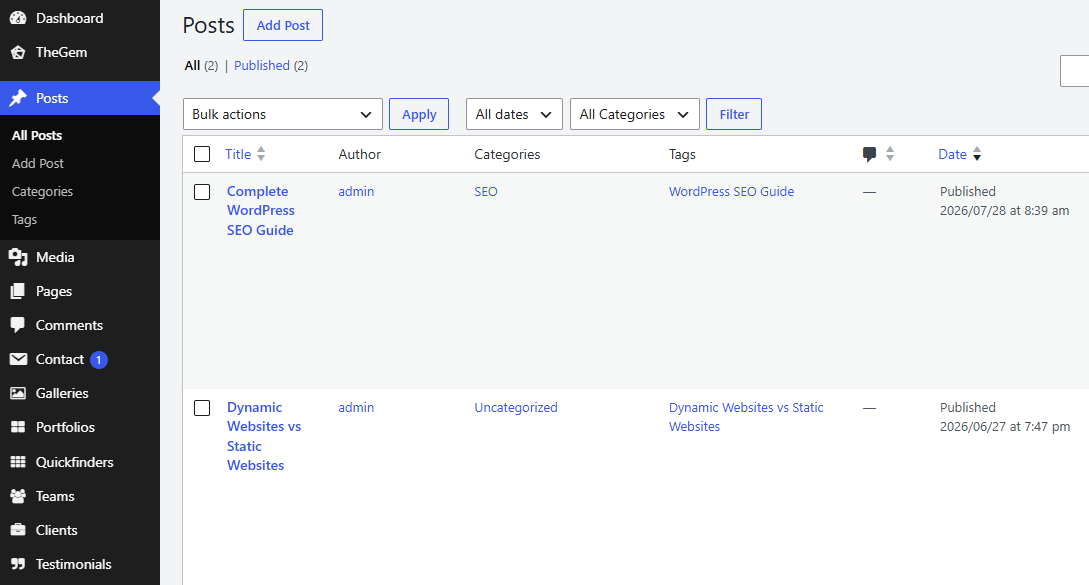
5. Posts
Posts are used for regularly updated content.
Examples
• Blog articles
• News
• Tutorials
• Announcements
Features
• Categories
• Tags
• Comments
• Author
• Publish Date
Example
Top 10 SEO Tips
Latest WordPress News
How to Install Plugins
6. Pages
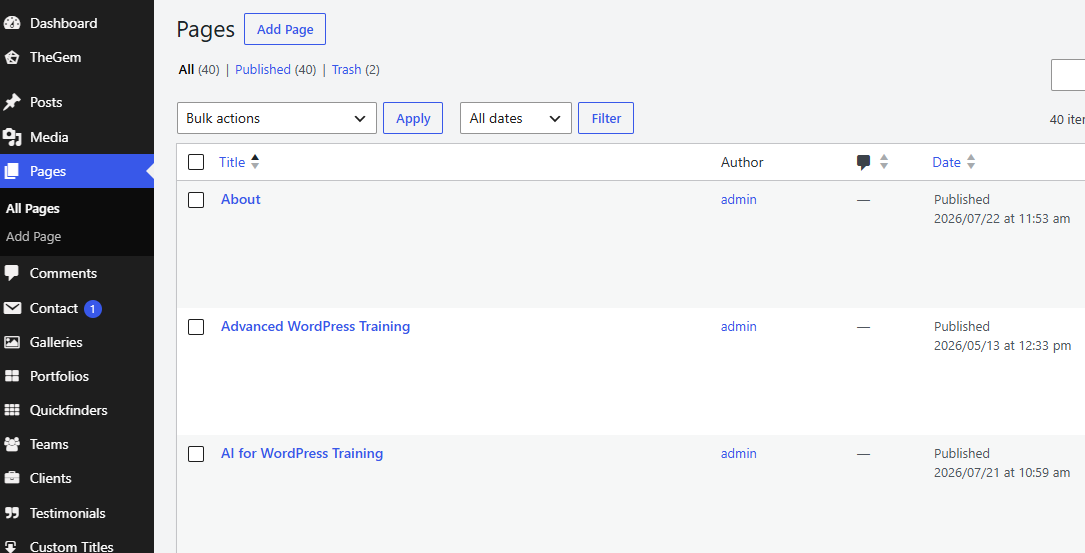
Pages contain static content.
Examples
• Home
• About Us
• Contact
• Services
• Privacy Policy
Characteristics
• No Categories
• No Tags
• Usually timeless
• Organized hierarchically
7. Media Library
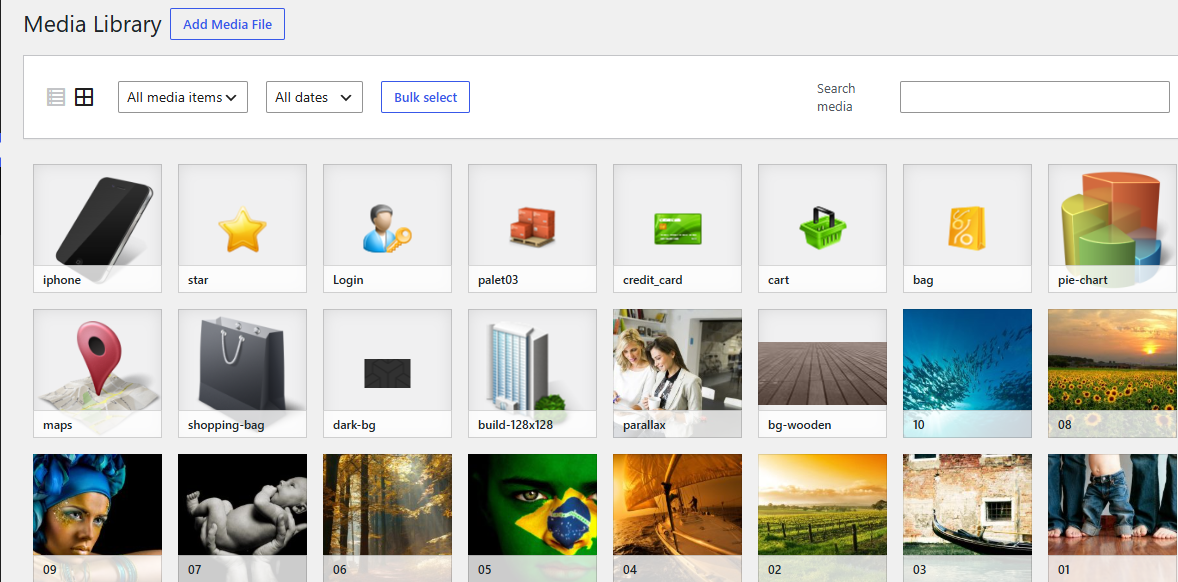
The Media Library stores all uploaded files.
Supports
• Images
• Videos
• Audio
• PDF
• Documents
• SVG (with appropriate configuration)
Common Image Formats
• JPG
• PNG
• GIF
• WebP
• AVIF
8. Users
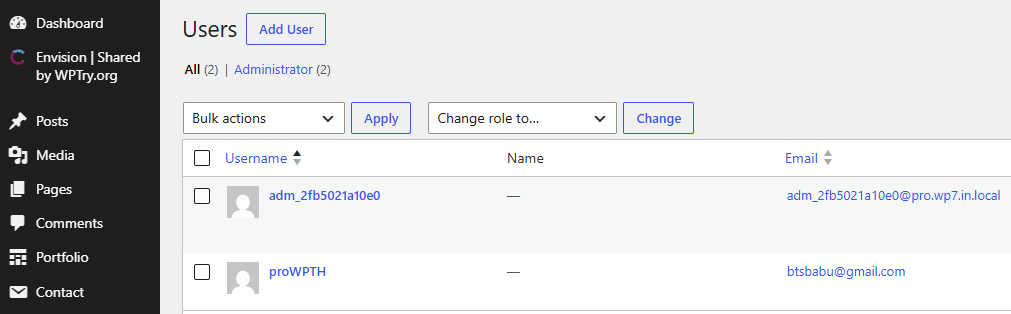
WordPress supports multiple user accounts.
User Roles
Role Permissions
Administrator – Full access
Editor – Manage all content
Author – Publish own posts
Contributor – Write only
Subscriber – Read content
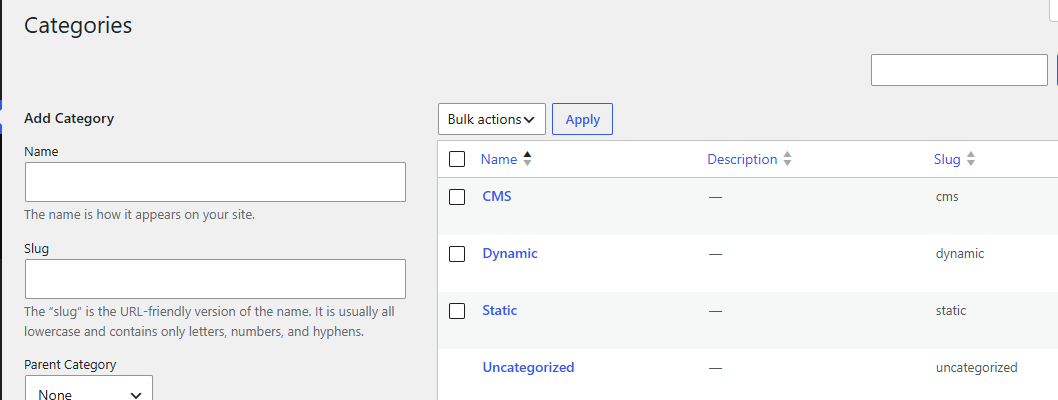
9. Categories
Categories organize posts into broad topics.
Example
- SEO
- WordPress
- PHP
- Hosting
- Digital Marketing
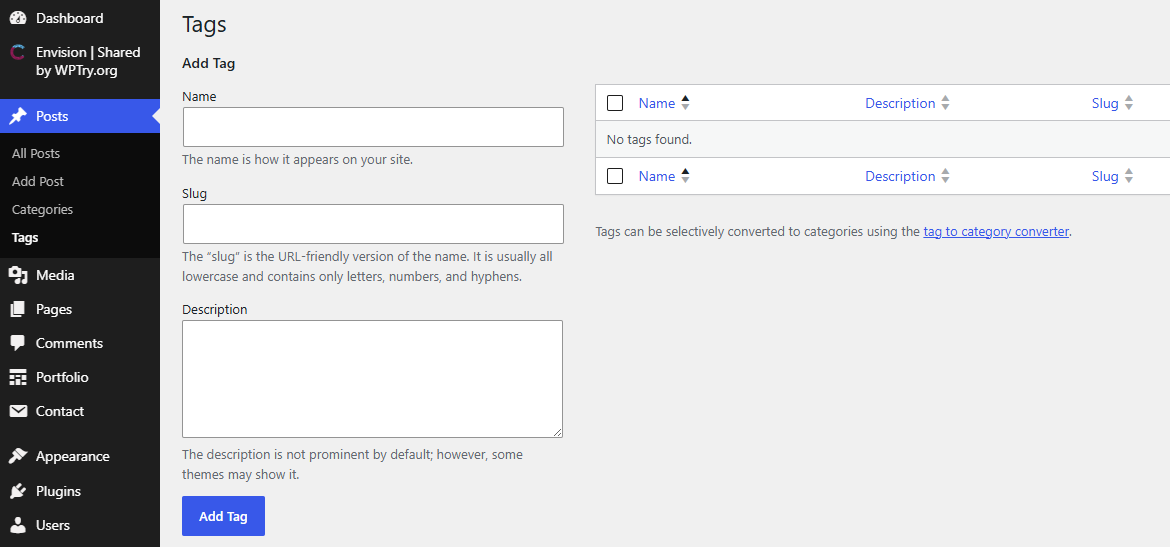
10. Tags
Tags describe specific topics within a post.
Example
- Elementor
- WooCommerce
- AI
- Speed Optimization
- Rank Math
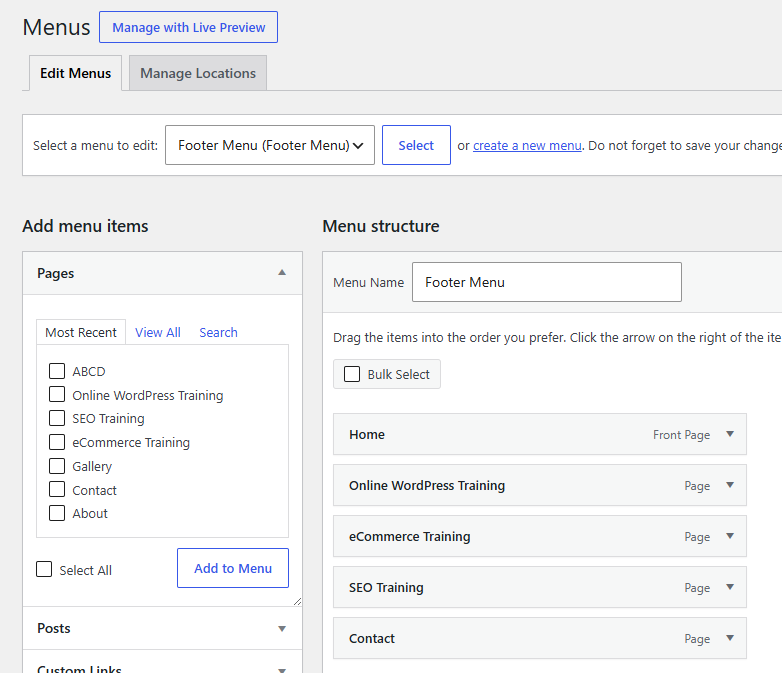
11. Menus
Menus create website navigation.
Examples
• Primary Menu
• Footer Menu
• Mobile Menu
Menu items can include:
• Pages
• Posts
• Categories
• Custom Links
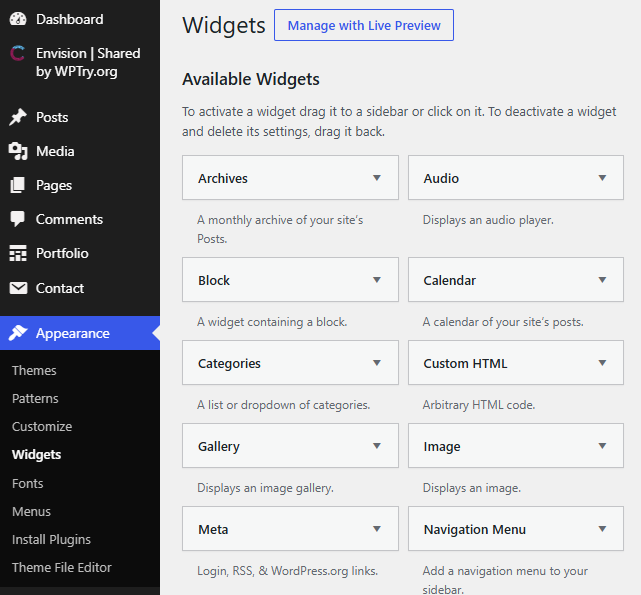
12. Widgets
Widgets add content to predefined widget areas.
Examples
• Search
• Recent Posts
• Categories
• Social Icons
• Calendar
• Contact Information
Common locations:
• Sidebar
• Footer
• Header (theme-dependent)
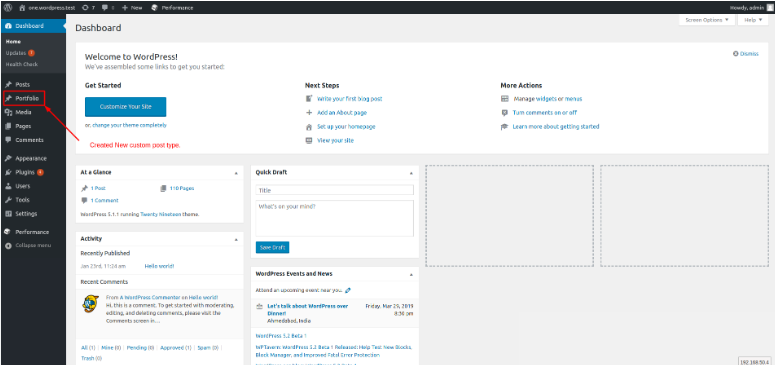
13. Custom Post Types (CPT)
Custom Post Types allow you to create new content types beyond Posts and Pages.
Examples
• Products
• Courses
• Events
• Testimonials
• Portfolio
• Team Members
14. Taxonomies
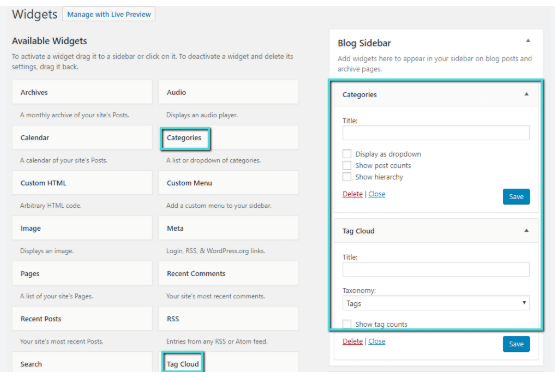
Taxonomies group and organize content.
Default taxonomies:
• Categories
• Tags
Custom taxonomies:
• Course Levels
• Product Brands
• Event Types
• Departments
15. Comments
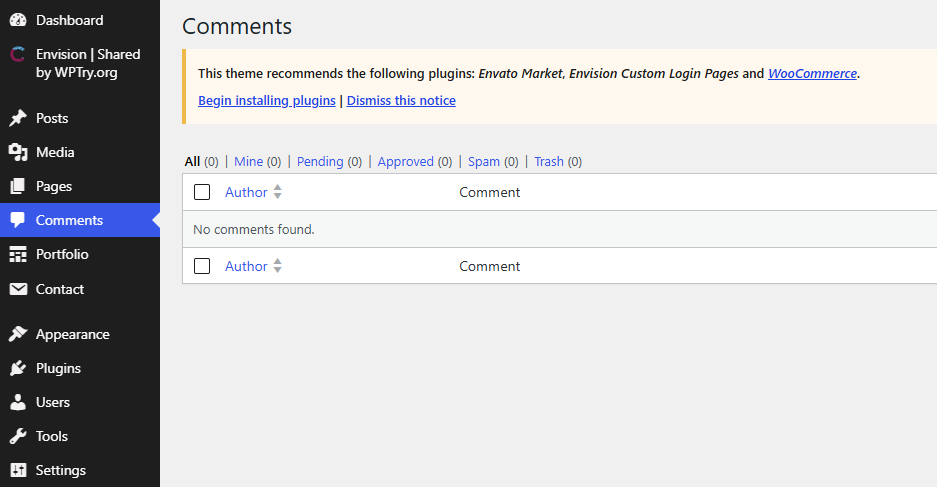
Visitors can leave comments on posts.
Features include:
• Moderation
• Spam filtering
• Reply threads
• Approval workflow
16. Settings
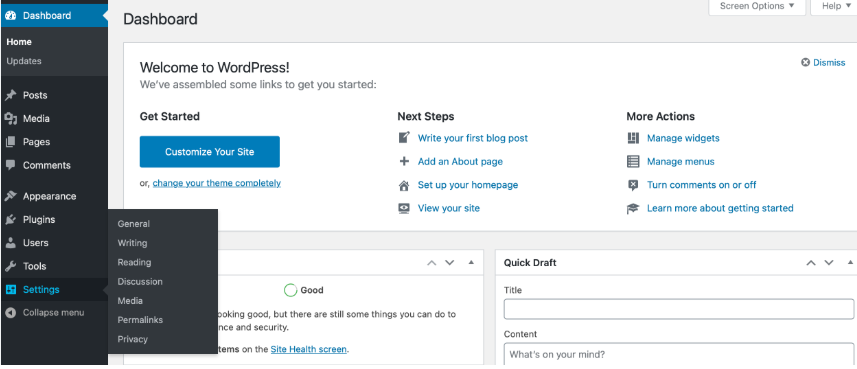
The Settings section controls the site’s global configuration.
Includes:
• General
• Writing
• Reading
• Discussion
• Media
• Permalinks
• Privacy
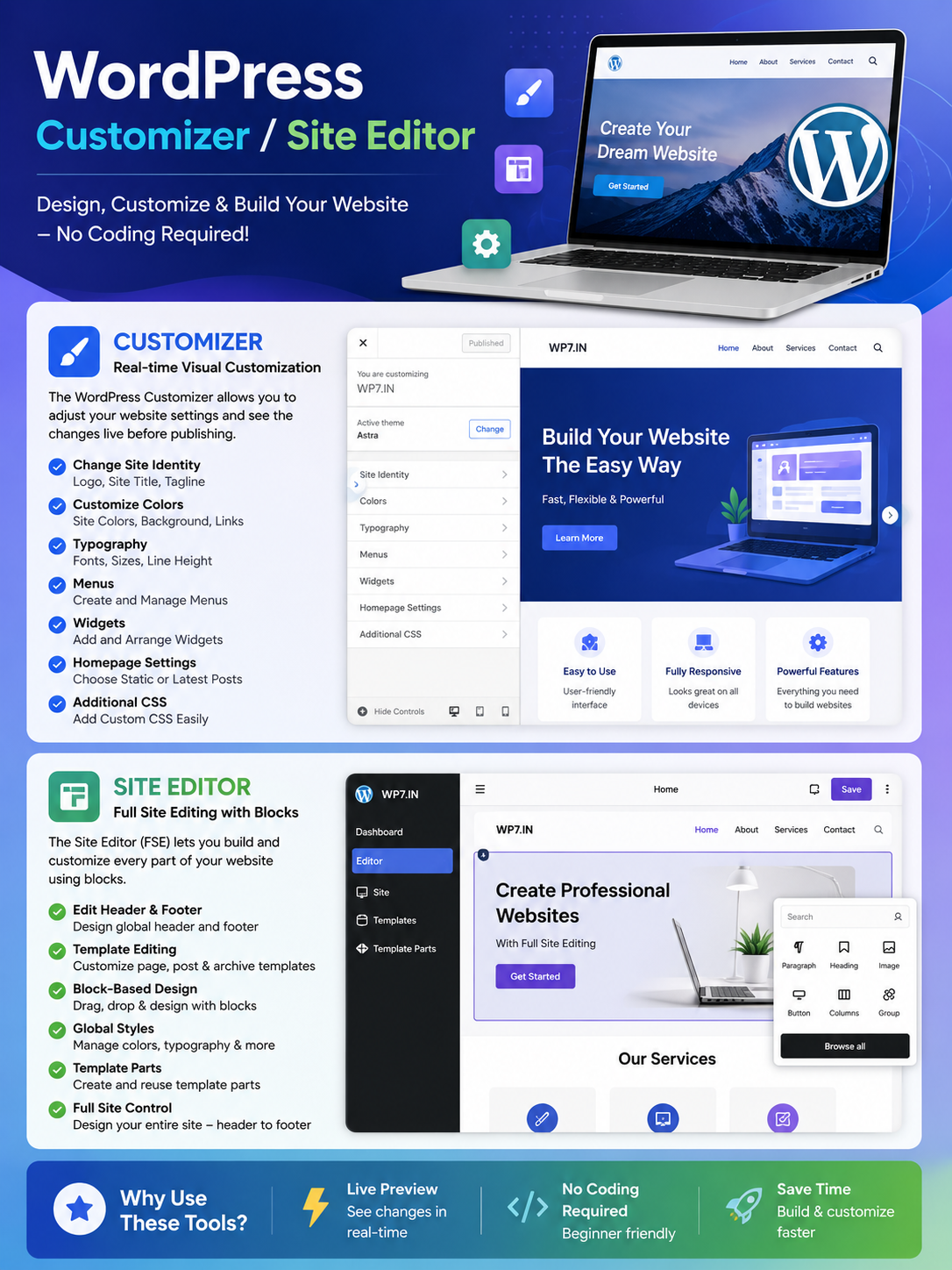
17. Customizer / Site Editor
Depending on the theme, you can customize your site’s appearance.
Common customization options:
• Logo
• Site Icon (Favicon)
• Colors
• Typography
• Menus
• Widgets
• Header
• Footer
• Templates
• Template Parts
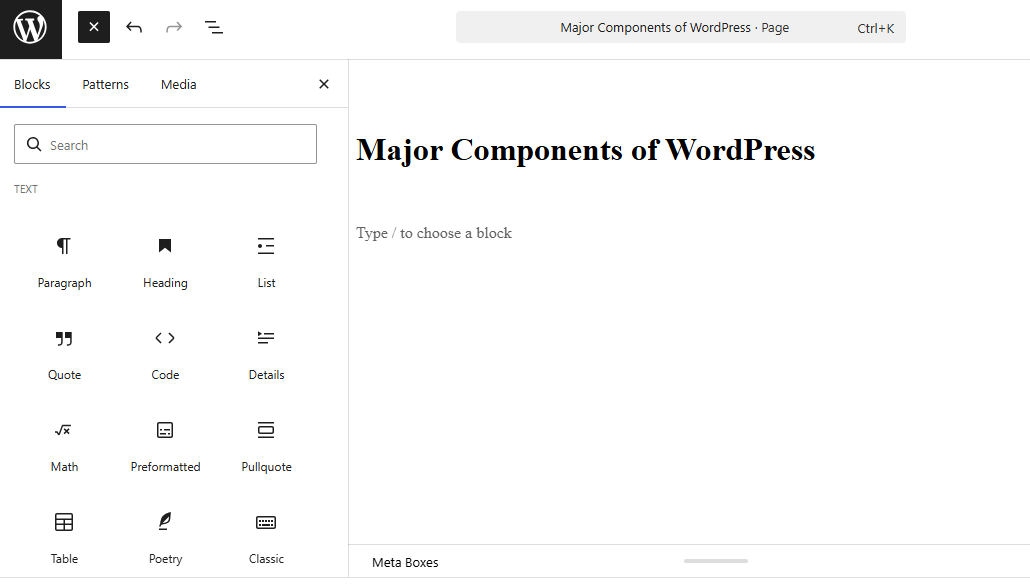
18. Block Editor (Gutenberg)
The Block Editor lets you build pages using reusable content blocks.
Common blocks:
• Paragraph
• Heading
• Image
• Gallery
• Columns
• Buttons
• Lists
• Video
• Table
• Cover
• Group
• Spacer
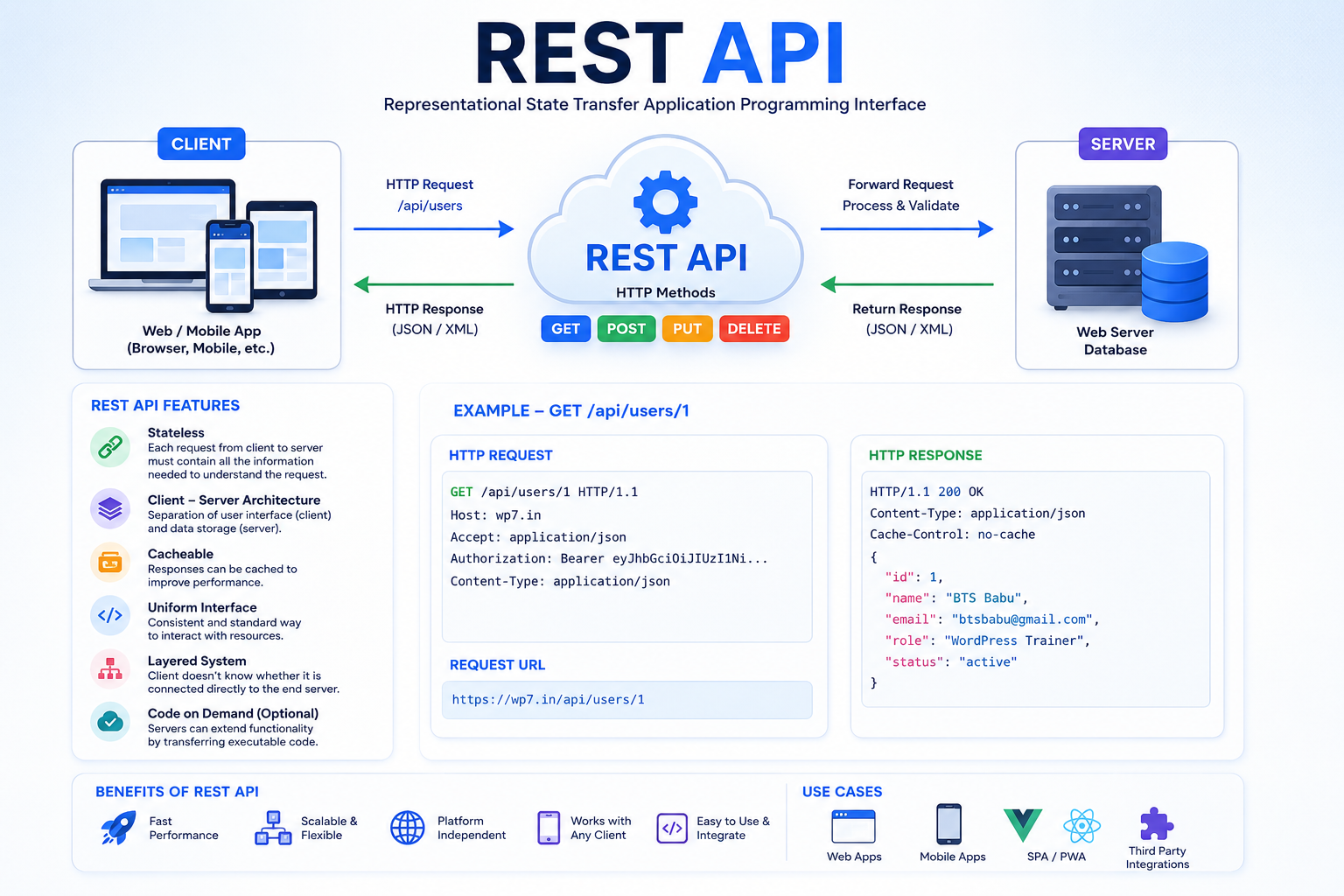
19. REST API
The REST API allows external applications to communicate with WordPress.
Common uses:
• Mobile apps
• Headless WordPress
• React applications
• Vue applications
• External integrations
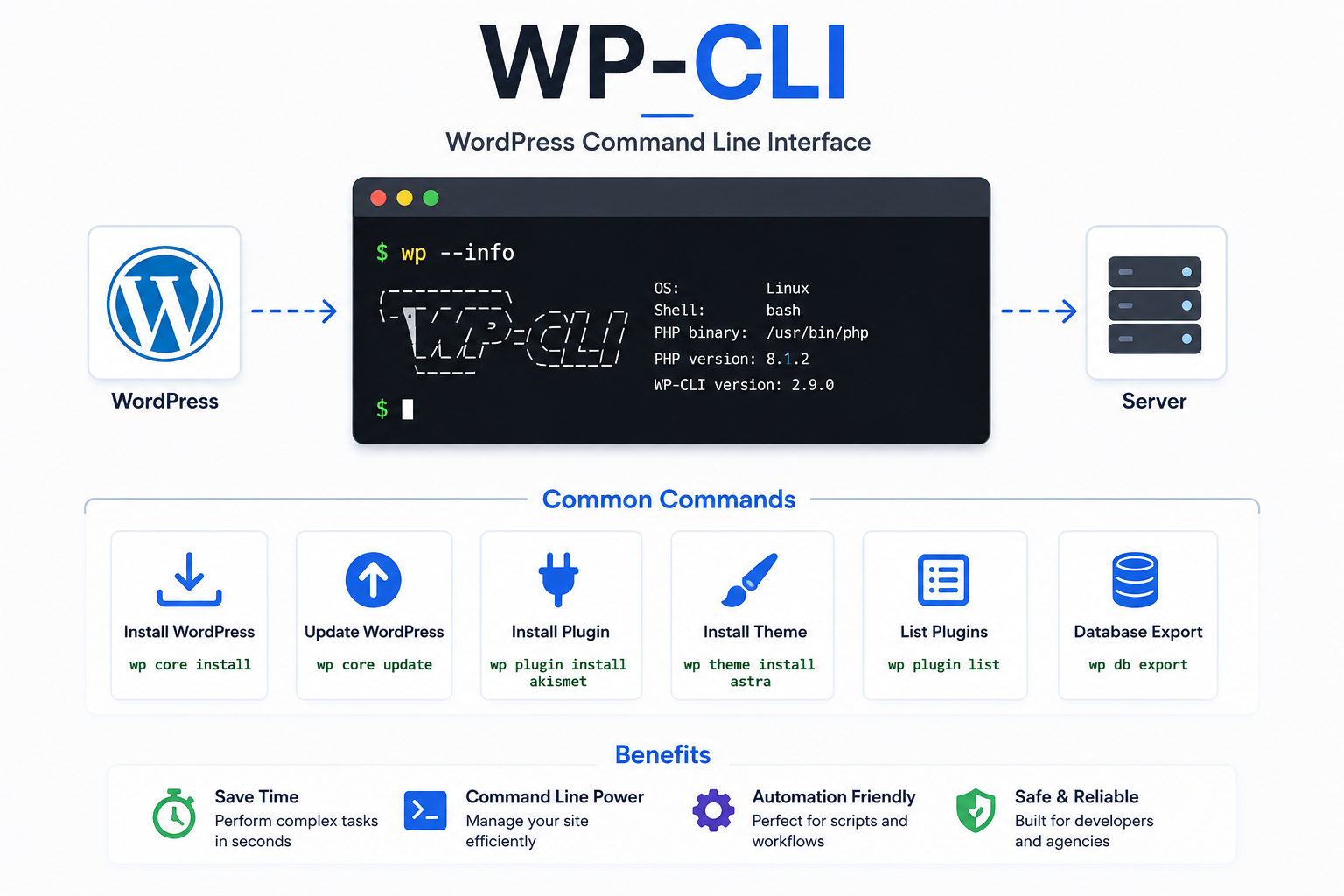
20. WP-CLI
WP-CLI is the command-line interface for WordPress.
Examples:
- wp plugin install
- wp plugin update
- wp theme install
- wp db export
- wp cache flush
It is widely used by developers and hosting providers to automate WordPress tasks.
How All Components Work Together
Visitor
│
▼
Web Browser
│
▼
Web Server (Apache/Nginx)
│
▼
WordPress Core
│
├── Loads Theme
├── Loads Plugins
├── Connects Database
│
▼
Database (Content & Settings)
│
▼
Generates HTML/CSS/JavaScript
│
▼
Website Displayed to Visitor
Summary
WordPress Core – Runs the entire CMS
Database – Stores content and settings
Themes – Controls the website’s appearance
Plugins – Adds new features and functionality
Posts – Dynamic blog content
Pages – Static website content
Media Library – Stores images, videos, and documents
Users – Manages accounts and permissions
Categories & Tags – Organize content
Menus – Website navigation
Widgets – Add content to widget areas
Custom Post Types – Create custom content types
Taxonomies – Organize custom content
Comments – Visitor interaction
Settings – Global website configuration
Block Editor – Build pages visually
Site Editor/Customizer – Customize site design
REST API – Integrate with external applications
WP-CLI – Command-line management
Together, these components make WordPress a flexible content management system capable of powering everything from personal blogs to business websites, eCommerce stores, learning management systems, and enterprise applications.